For WordPress & WooCommerce agencies
CheckView automatically tests the forms and checkouts on every WordPress site you manage, confirms the notification email actually sends and is delivered, and alerts you the moment something breaks. On a schedule, about five minutes to set up a site.
Why forms fail quietly
Most testing stops at the page. A plugin update, an SMTP hiccup, or a broken checkout can silently swallow leads and orders for weeks, and the first person to notice is usually your client.
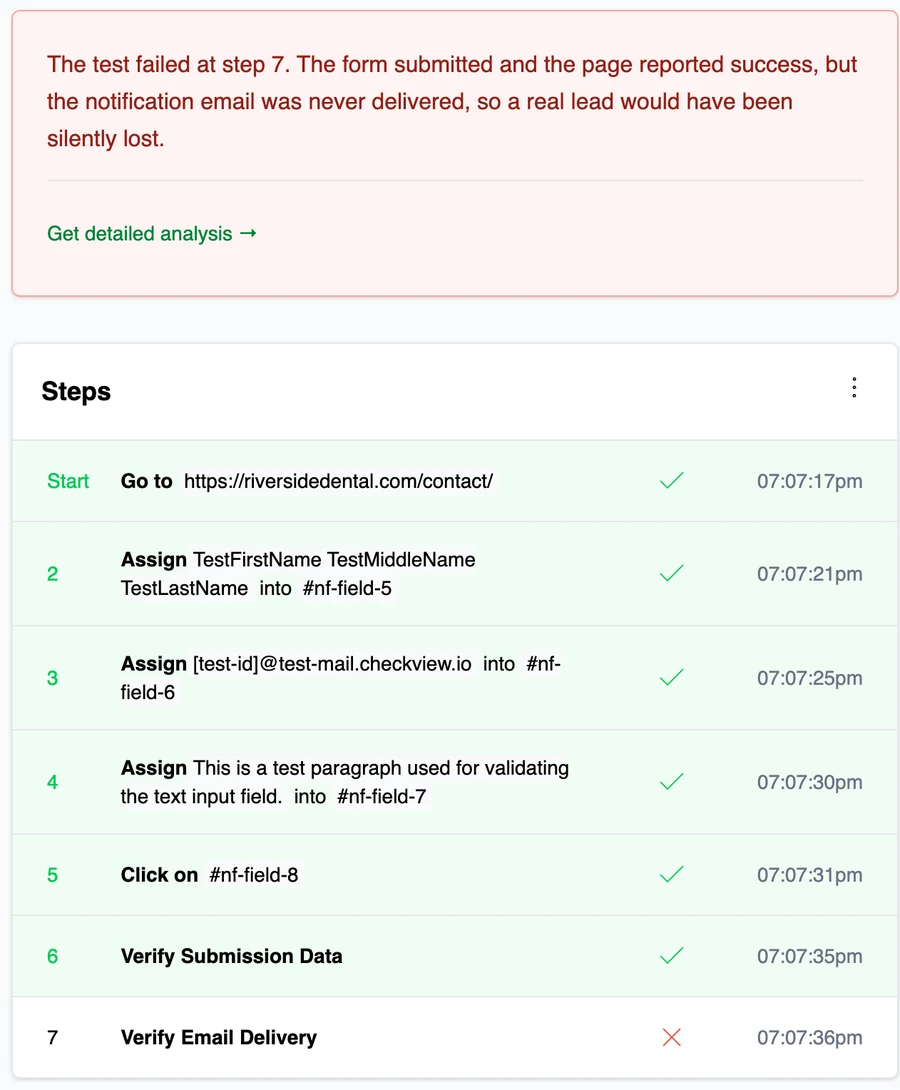
A contact form that returns "success" but never delivers the email looks fine to everyone.
A routine plugin or theme update can quietly disable a form or checkout overnight.
Deliverability breaks constantly, and "the page said thanks" tells you nothing about the inbox.
A gateway change or a JS error can block orders while the store looks perfectly normal.
"We haven't gotten a lead in two weeks" is the worst way to learn a form was down.
The full path, not just the page
Most testing stops at the page
A form can report success while the notification email quietly fails. CheckView verifies delivery too, and when it doesn't arrive it flags the exact step, so a lead never vanishes without you hearing about it.
The forms your clients rely on should never fail silently.
Putting a tool on client sites is a trust decision. CheckView is built to be invisible to everyone but you.
Is it a fit?
CheckView earns its keep when you are responsible for forms and checkouts you did not build and cannot watch by hand. If you only run a single personal site, you probably do not need it.
Not sure it is worth it? Start free for 14 days, no card required, and run it across your own sites.
Works with what they already use








How it works
Drop in the helper plugin. CheckView finds the forms and checkout automatically, about five minutes per site.
A real browser runs the full path on each site, submissions and test orders stay hidden from your client.
The moment a check fails you get an alert, plus clear pass/fail reports you can share with clients.
See it in action
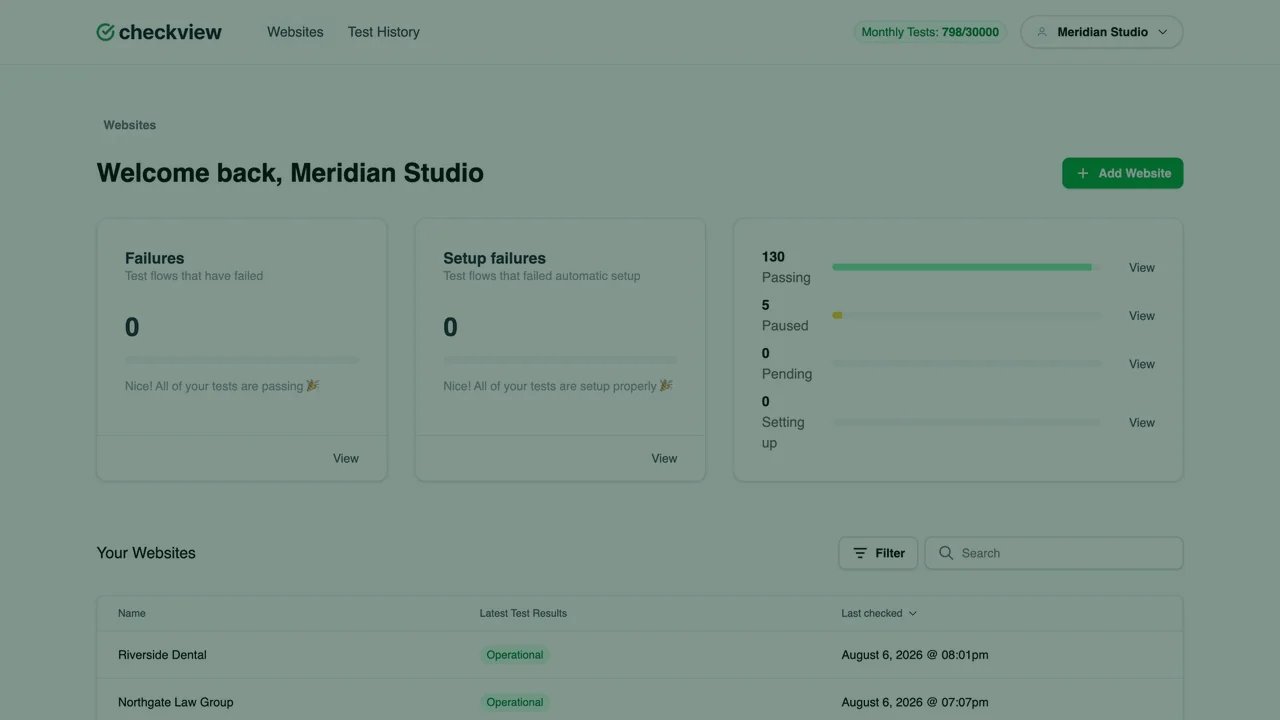
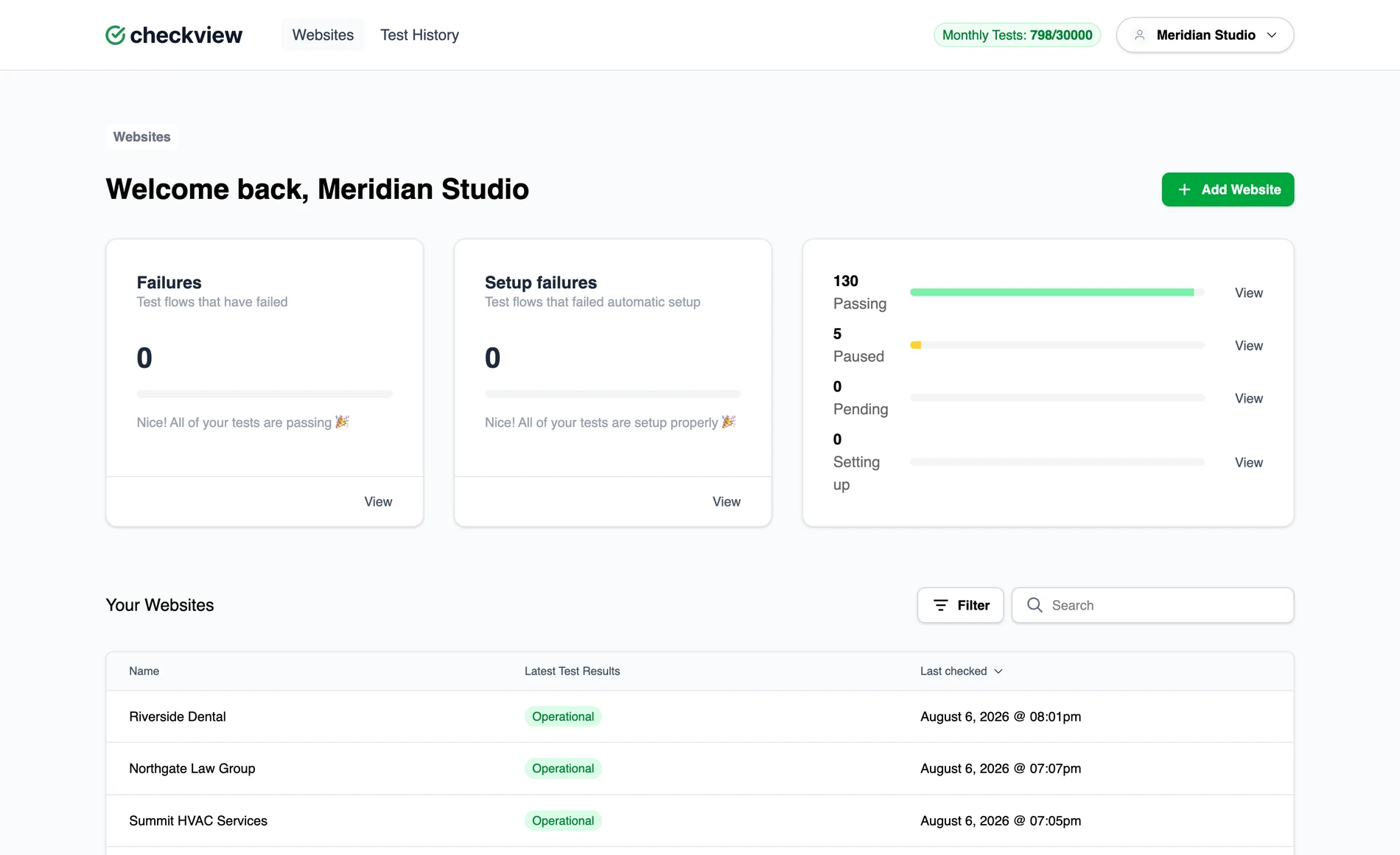
One dashboard for your whole book
"CheckView gives us complete confidence that every client form and checkout is working, and alerts us instantly when it's not."

For most agencies, a single checkout or contact form caught early more than covers CheckView, and the client stays none the wiser. It turns "I hope their forms still work" into a line item you can point to.
Questions, answered
No. We confirm the notification email actually sends and is delivered through a small helper plugin on the site, not by holding mailbox credentials or logging into anyone's inbox. Nothing about your client's email is exposed to us.
No. Test entries stay out of the client's inbox and their form entries list, and test orders never charge a real payment method. Your client never sees the tests running.
Yes. CheckView has extensive support for reCAPTCHA, Cloudflare Turnstile, hCaptcha, CleanTalk, WP Armour and more, and it detects when a security plugin or firewall is blocking a test and tells you exactly how to fix it.
About five minutes per site. You add the site, install the helper plugin, and CheckView finds the forms and checkout automatically. After that it runs on a schedule without you touching it.
Gravity Forms, WPForms, Fluent Forms, Ninja Forms, Formidable, Contact Form 7, WS Form, and Elementor, plus WooCommerce checkout with Stripe through CheckView Test Mode, so no real charge is ever made.
The moment a test fails you hear about it by email, Slack, or webhook, so alerts land wherever your team already works, not from the client.
As many as you like. CheckView is built for agencies with a whole book of sites, testing each one on a schedule from a single dashboard.
No. The heavy lifting runs on CheckView's platform, not your client's server, so tests never slow the site down, and nothing your visitors see changes.
Yes. If you are not satisfied within your first billing cycle, for any reason at all, CheckView will refund it.
Not sure which plan fits?
Tell us roughly what your book looks like and what you are trying to cover, and we will point you to the plan that makes sense. No pressure, no obligation.
Would rather see it live? Book a 30 minute demo and we will walk you through CheckView and how it fits your book of sites. Grab a timeReady to dive in? Start your free 14-day trial and add your first site in minutes.